LINE UP Metro Tycoon trains are the vehicles that turn connected Lines into passenger service and income. The practical choice is not always “buy the newest train”: fill empty slots first, compare demand with available capacity, then spend on an upgrade or repair when an existing vehicle is the weaker investment. The complete model-by-model price, capacity, and unlock list is not reliably documented here, so use the current lock panel in the game for those changing values. If the route itself is the bottleneck, review the line-planning guidance before buying more vehicles.
What trains do on a line
A train only contributes to your network when it is serving a line. Lines and Stations provide the route and passenger demand; trains provide the moving capacity that carries passengers between those stations. That makes the train menu part of a larger operating loop rather than a standalone collection screen:
- Build or extend a Line and connect its Stations.
- Buy trains or fill the line’s empty train slots.
- Let the route carry passengers and produce Money.
- Reinvest that Money in vehicles, Stations, track, repairs, or city development.
When a route grows, check its fleet again. Adding Stations can create more demand without automatically giving the line enough vehicles. A line with empty slots or too little capacity can struggle to provide service, and the supplied gameplay evidence links filling train slots with higher Happiness. Passenger demand is therefore the useful test: add capacity where people are waiting, not simply where a new model becomes available.
Train management options
The train menu covers expansion, model progression, upgrades, maintenance, and automation. These entries solve different problems, so the table is a decision reference rather than a complete numerical train catalog.
| Train option | What it changes | Best use | What to check |
|---|---|---|---|
| Buy train | Adds a vehicle and increases available line capacity | A busy line has demand and an empty slot | Enough Money and any lock-panel requirements |
| Fill All Empty Slot | Places available trains into open slots | A line has open capacity slots after expansion | Available Money and empty slots |
| Train model | Offers another vehicle choice and progression path | The current fleet is no longer the best fit for a developed route | City, station, route, prior-model, and Money requirements shown in-game |
| Upgrade train | Improves an existing vehicle for continued service | A busy line has one weaker vehicle that should keep working | Money and the current upgrade state |
| Repair train | Maintains a vehicle whose condition has fallen | A used train is in poor condition and still serves a route | Money and the vehicle’s current condition |
| Automation | Can buy, upgrade, and repair trains for lines | You have a stable network and want to reduce repeated management | Enabled automation options, budget, and route demand |
The rows describe functions, not fixed prices or capacities. Those values can depend on progress and may change with the live game. If a train, upgrade, or automation action is unavailable, read the in-game requirement rather than treating the unavailable action as a bug.
Buying trains and filling slots
Start with the line, not the vehicle model. Open the line or train management view and look for empty slots. The Fill All Empty Slot action is the quickest way to place available trains into those openings when you have enough Money. Gameplay footage shows this action being used as a direct capacity and Happiness improvement, while another example connects filling slots and buying an additional train with stronger earnings.
Fill empty train slots to improve line service
This moment shows the Fill All Empty Slot action for trains and supports the section's link between filled capacity and Happiness.

Use this order when a line has grown:
- Count the open slots on the line.
- Check whether the route has enough passenger demand to justify more service.
- Fill available empty slots if the budget can support it.
- Buy an additional train when open capacity and demand still justify expansion.
- Recheck Money before spending on a station, route, or city milestone.
Buying every available train can slow the rest of the network. A low-demand line may not repay a new vehicle quickly, while the same Money could unlock a Station, extend a Line, or advance a city. The useful comparison is expected service value against the next network requirement. If the line is already adequately served, leave a reserve for repairs and infrastructure instead of filling every slot automatically.
Upgrades, repairs, and train condition
Upgrading and repairing are not interchangeable. An upgrade is a longer-term investment in how an existing train performs; a repair addresses the current condition of a vehicle. If a heavily used line contains one low-performing train, the wiki guidance favors improving that weak vehicle before replacing the whole fleet. This concentrates spending where it can protect a busy route.
Repair vehicles whose condition has fallen, especially when they still carry passengers on an important line. The supplied footage shows repair and upgrade actions during line setup, and the summary notes that train condition declines over time. One video discussion uses roughly 70% condition as a point to inspect and consider repair, but treat that as a practical check rather than a universal permanent threshold. The current game panel should decide whether the repair is available and worthwhile.
Use a simple priority rule:
- Low condition on a busy route: repair first so the route remains dependable.
- Weak vehicle on a high-demand route: upgrade that vehicle before broad fleet replacement.
- Good condition on a low-demand route: avoid unnecessary repair spending and watch demand.
- New model unlocked: compare the route’s needs and your budget before switching.
Do not repeatedly repair a healthy train. Money spent on maintenance is Money unavailable for Stations, Lines, city progression, or the next genuinely weak vehicle. Likewise, upgrading a quiet route can delay a more important expansion even if the upgrade button is available.
Unlocking new train models
New models are progression choices, not a guaranteed reward for laying more track. The available evidence indicates that unlocks can depend on city progress, Station development, route connections, an earlier model, and sufficient Money. The exact combination is not consistent enough in the supplied material to publish a definitive model-by-model list.
When a train is locked, check its lock panel and work backward from the displayed requirement. Confirm whether you need to:
- Advance the current city or its Stations.
- Connect a particular Line or route.
- Obtain a preceding model.
- Reach the required development stage.
- Save enough Money to purchase the model after it unlocks.
Adding more track alone may not satisfy a vehicle requirement. A route can be longer without meeting a Station, city, or prior-model condition. Record the exact requirement shown in your current panel, complete that requirement, and then return to the train menu. This avoids spending on unrelated track while waiting for a model that is gated by progression.
Because names, capacities, prices, cities, and prerequisites can change, this page does not invent a roster or assign unsupported numbers to unnamed models. Use the live panel for the final purchase decision, particularly after an update or when moving between cities.
Matching fleet size to network demand
Train capacity has to grow with the rest of the network. After adding Stations, extending a Line, or opening a new city, inspect three things together: the route’s passenger demand, the number of train slots, and the condition of the vehicles currently assigned. A fleet can be large in total and still underserve one line if its trains are assigned elsewhere.
Happiness is a useful service signal in this decision. The supplied gameplay evidence associates filling empty train slots with a Happiness increase, so open slots deserve attention when a route is under pressure. That does not mean every line should be filled immediately. Use the route that has actual demand, and consider whether the next purchase would produce more value than a Station upgrade or city milestone.
Tourists and Landmarks can also contribute to the wider income cycle. Their income can help fund later fleet expansion, but they do not remove the need to connect stations and put trains on lines. Keep the operating sequence clear: connect the route, provide vehicles, observe demand and earnings, then reinvest where the next bottleneck appears.
Using train automation safely
The in-game Automation system can take over repetitive train work, including buying trains for lines, upgrading weaker trains, repairing the worst trains, and switching toward newer models. It is useful after the network has a predictable budget and clear route priorities.
Automate train purchases, upgrades, and repairs
This moment supports the automation guidance by showing automatic train buying, upgrades, repairs, and movement toward newer models.
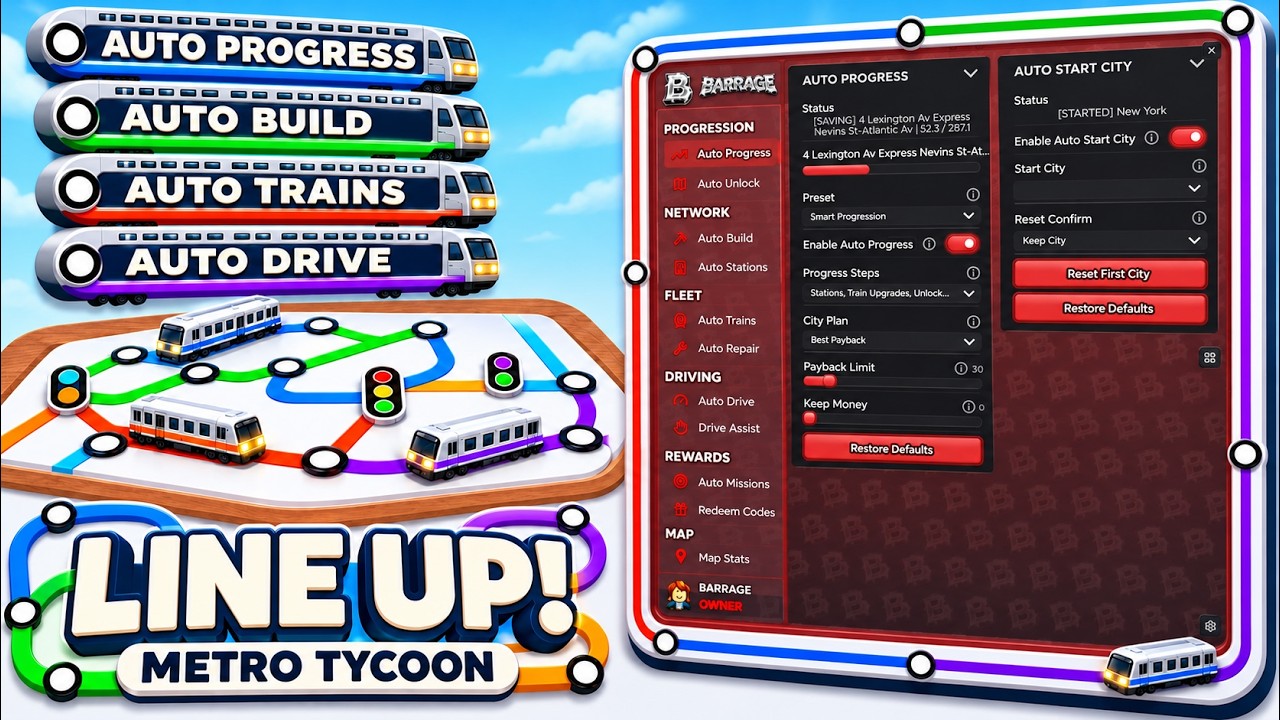
Automation still shares Money with Lines, Stations, city changes, tasks, and other development. Before enabling it broadly, make sure the budget can absorb purchases and maintenance without blocking a required milestone. Check its choices regularly: an automated purchase can be reasonable for a high-demand line but wasteful on a quiet route, and an automated upgrade can compete with a more urgent station or connection.
Treat automation as a manager for repeated actions, not as a replacement for network decisions. Review the busiest lines, open slots, vehicle condition, and current unlock goals after major expansions. If the system begins spending on low-demand routes while an important connection is unfinished, narrow its use or restore manual control until the network is stable.
Limits of the current train list
This reference supports the train-management decisions that are visible in the current evidence: buying vehicles, filling slots, matching capacity to demand, upgrading weak trains, repairing condition, checking unlock requirements, and using the game’s automation. It does not support a reliable complete roster with every model name, capacity, price, city, and prerequisite. Those details should be read from the current in-game train and lock panels.
The most reliable approach is to treat the train menu as a live status screen. Use it to confirm the current cost and requirement, then compare that purchase with demand, Happiness, route capacity, and the other uses of Money. That keeps the fleet useful even when the available models or progression requirements change.
Train FAQ
Should I buy another train or upgrade one I already own?
Buy another train when a busy line still has an open slot and enough demand to use the added capacity. Upgrade an existing vehicle when the line is already populated but one heavily used train is weaker than the rest. Keep Money available for Stations, Lines, and repairs before expanding a quiet route.
What should I do when a train is locked?
Open the train’s lock panel and follow its displayed requirement. It may depend on city or Station progress, a route connection, an earlier model, or Money. Laying more track by itself is not guaranteed to unlock a model.
When is repairing a train worth the cost?
Repair a low-condition train that still serves a busy or important line. Inspect vehicles as their condition falls; a roughly 70% condition check is a useful reported prompt to look, not a permanent rule. Do not spend on repeated repairs for a healthy vehicle when another route needs the budget more.
Does automation replace train planning?
No. Automation can buy, upgrade, and repair trains, but it still spends the same Money needed for route and city development. Review automated choices after expansions and limit it when it invests in low-demand lines or threatens an important milestone.