LINE UP Metro Tycoon stations are the stops that turn a railway line into a working passenger network. Start with the station you receive in a chosen city, connect nearby locations that your budget can support, and then upgrade the busiest stops only after trains can serve the route. A new station is valuable when it extends an active line, brings more passengers or tourists into the network, or opens a useful next connection—not merely because it increases the number of places on the map.
The exact station list, connection prices, capacity values, income formula, and level limits can vary or remain unclear. Use the current in-game panel for those mutable numbers. The guide below separates the station roles and named examples that are supported from planning labels that describe a strategy rather than confirmed fixed item names.
Station roles and named stops
The rows below are a practical lookup for what each station-related entry means and how to act on it. Starter Station, Transfer Station, and Expansion Station are planning categories used to explain the network; they should not be read as a confirmed inventory of three permanent items.
| Station or role | What it does | How to use or reach it | Best planning rule |
|---|---|---|---|
| Starter Station | Initial stop for the city network | Receive it after choosing a starting city | Connect a nearby, affordable location before making a long expansion |
| Transfer Station | A junction that can connect multiple directions | Create it by adding a suitable stop to an existing line | Check train coverage and service capacity before adding more branches |
| Expansion Station | A further stop that widens the city network | Unlock an adjacent location with Money | Expand from stable income rather than emptying the budget |
| Times Square | A connectable New York City location | Drag it to an existing line or station and pay the connection cost | Use it as an example of extending a working route to a nearby location |
| Seoul Station | A named stop in the Seoul network | Connect it through the Seoul city map | Treat its access as dependent on route, budget, and city progress |
| Grand Central Madison | A New York City expansion stop | Reach it through continued map and line expansion | Confirm the current adjacent connection and cost in the city view |
| Station Level | The station upgrade progression | Select a built station and spend Money | Upgrade productive stops after the route has enough train support |
| Station Capacity / Service Upgrade | A station improvement for passenger handling and service | Buy it from the station upgrade interface | Pair it with train capacity; a station upgrade alone cannot replace trains |
The table is not a complete unlock order. It tells you how to interpret the main station roles and examples while the game’s city panel remains the authority for the next available location, current cost, and level requirement.
How to connect a new station
Choose a region and city first. The available layout and connection order change with the selected map; the examples include New York City in the United States and Seoul in Korea. Once the city is open, work outward from an existing station instead of trying to place an isolated stop.
- Select an adjacent or otherwise reachable location on the city map.
- Drag the target station onto the existing line or station connection.
- Confirm the connection cost if the game allows the action, and keep enough Money for trains, upgrades, and Repairs.
- Watch the route after the station is added. Confirm that trains cover the important stops and that the new segment is contributing to a functioning line.
- If the connection improves coverage and income, continue to the next nearby location; if it creates an under-served branch, adjust trains or stop expanding.
The Times Square example illustrates this flow in New York City: connect Times Square to the existing network, unlock the neighboring location, and continue the route from the new connection. The lesson is broader than that single named stop: each expansion should have a service plan before you pay for it.
Connect Times Square and expand the station route
This moment supports the Times Square example by showing how to drag the location to a station, unlock a neighboring location, and continue the network.

When to upgrade a station
Station upgrades and train capacity solve different problems. An upgrade can improve a station’s output and service performance and may help progress toward additional locations, branches, or vehicles. It does not automatically provide the train coverage needed to move passengers through the larger network.
A sensible order is:
- Let the first route produce stable income before spending heavily on station levels.
- Prioritize a busy or strategically central station instead of upgrading every stop equally.
- Add or adjust trains when new stations create a coverage or throughput problem.
- Repair low-condition trains and reserve funds before committing to another costly station connection.
- Recheck Happiness after expansion; insufficient trains, weak station development, or declining train condition can reduce service quality.
One reported play sequence shows a station being upgraded five times in a row. That does not establish a universal five-level cap, a price for each level, or identical limits in every city and version. If the station panel shows a different maximum or cost, follow the current panel.
Building around transfers and lines
A station has more value when it strengthens a route that trains can actually operate. A transfer-style stop can connect several directions, but each added direction increases the need to inspect line capacity and train placement. Do not treat a junction as an automatic profit upgrade: it can become a bottleneck if passengers arrive faster than the available trains can carry them.
Use the following checks before adding a branch:
- Route continuity: the target station should connect to the existing line rather than sit as an unreachable point.
- Train coverage: every important stop on the expanded route needs effective service, not just a visually completed track.
- Budget room: Money must cover the connection while leaving room for train purchases, station upgrades, and Repairs.
- Network purpose: the stop should add passenger reach, tourist access, a useful transfer, or a credible next expansion.
- Service feedback: watch Happiness and the operating condition of the route after the change.
Lines, stations, and trains therefore need to be planned together. A station is the visible destination, a line is the connection that makes it reachable, and trains are what turn that connection into service. Expanding only one of those layers can leave the network larger without making it stronger.
City examples and uncertain entries
New York City provides a clear station example. Times Square is shown as a location that can be dragged into an existing route, and Grand Central Madison is described as a later expansion stop reached through continued line growth. Their precise unlock prices and a guaranteed universal order are not established, so use the current map rather than copying a fixed sequence.
Seoul provides a second city example. Seoul Station is used as a connected stop in the Seoul network, while video references also mention names such as Gangnam Station and Samsung Station. Those mentions do not establish a complete Seoul catalog or prove that every named stop is available under the same conditions. Treat them as map examples and verify each location in your own city view.
The same caution applies to station capacity, income, and upgrade returns. The known station relationships cover Money, trains, Happiness, Income, Tourists, and city expansion, but no reliable structured table of exact numeric values is available. Avoid choosing a station solely because an old guide assigns it a price, level, or income amount.
A reliable station expansion rule
For most early networks, connect the most useful affordable neighbor first, then let the route operate long enough to show whether it is earning and being served. Upgrade the busiest station when the income is stable. Add train capacity or repair the fleet when service is the constraint. Only then buy the next station or branch.
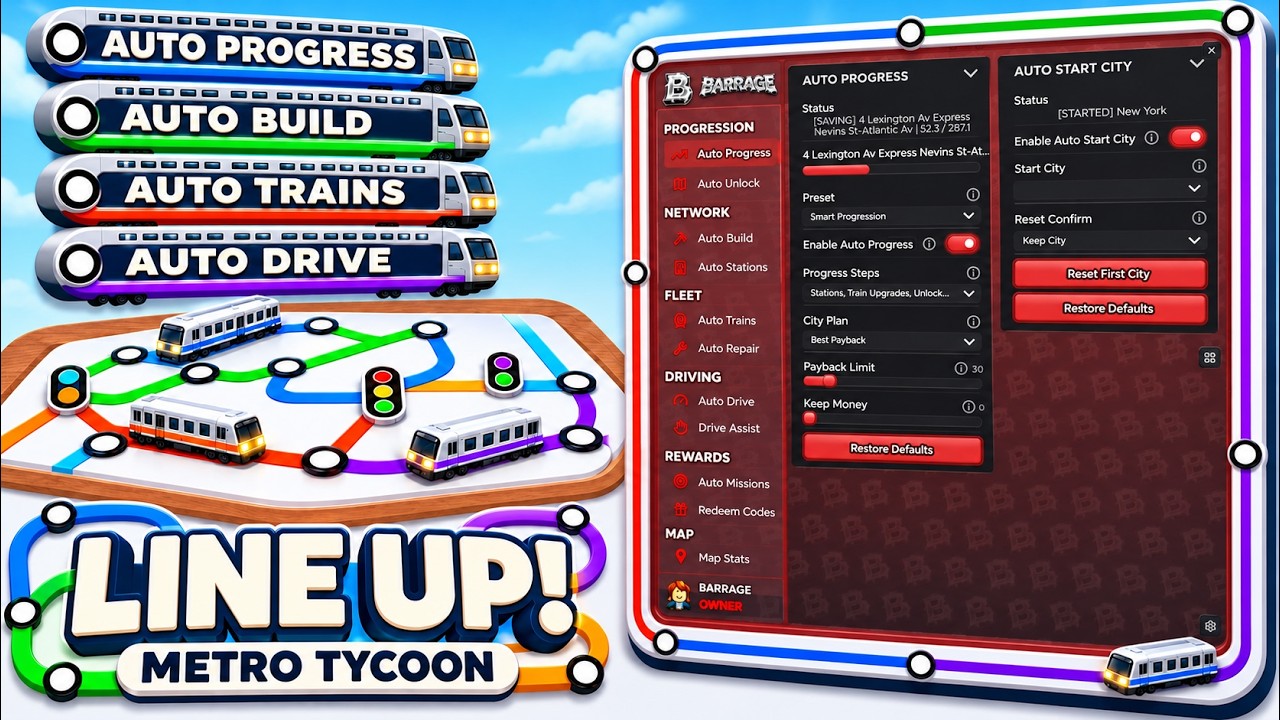
Auto Stations can upgrade busy stations automatically, but automation does not remove the need to check route value, train coverage, and remaining Money. If automatic upgrades consume funds needed for a connection or train, pause and decide which bottleneck matters more. The aim is a connected, served network with room to recover—not the highest station count at any cost.
Use Auto Stations for busy station upgrades
This moment supports the automation guidance by describing how Auto Stations upgrade the busiest stations to their maximum level.
Station values and available destinations can change with city progress and game updates. For a current decision, open the station or city panel and verify the displayed cost, level, capacity, and next connection before confirming the purchase.
First-time LINE UP Metro Tycoon station questions
Are Starter Station, Transfer Station, and Expansion Station official station names?
They are useful planning categories, but These labels describe planning roles rather than a confirmed fixed list of inventory items. Use them to describe an initial stop, a junction, and a later network expansion while relying on the city panel for actual station names.
Should I upgrade a station before buying another train?
Choose based on the bottleneck. Station upgrades improve station performance, while trains provide route coverage and passenger transport; if the new stop is under-served, add or adjust trains first, then upgrade the busiest station when income is stable.
Can I use the station upgrade count to assume every station has five levels?
No. One reported play sequence mentions five consecutive upgrades, but that does not confirm a universal cap or identical costs across cities and versions. Check the current station interface for the active stop’s level and next upgrade.
What should I check before connecting another station?
Confirm that the target extends a working line, that trains can cover the expanded route, and that Money remains for trains, station upgrades, and Repairs. After connecting it, watch Happiness and route performance before committing to another branch.
Is there a complete list of Seoul stations here?
No complete, reliable city list is established. Seoul Station and video-mentioned names such as Gangnam Station and Samsung Station are examples, but the available city layout and current game panel should determine which stops are reachable for your run.